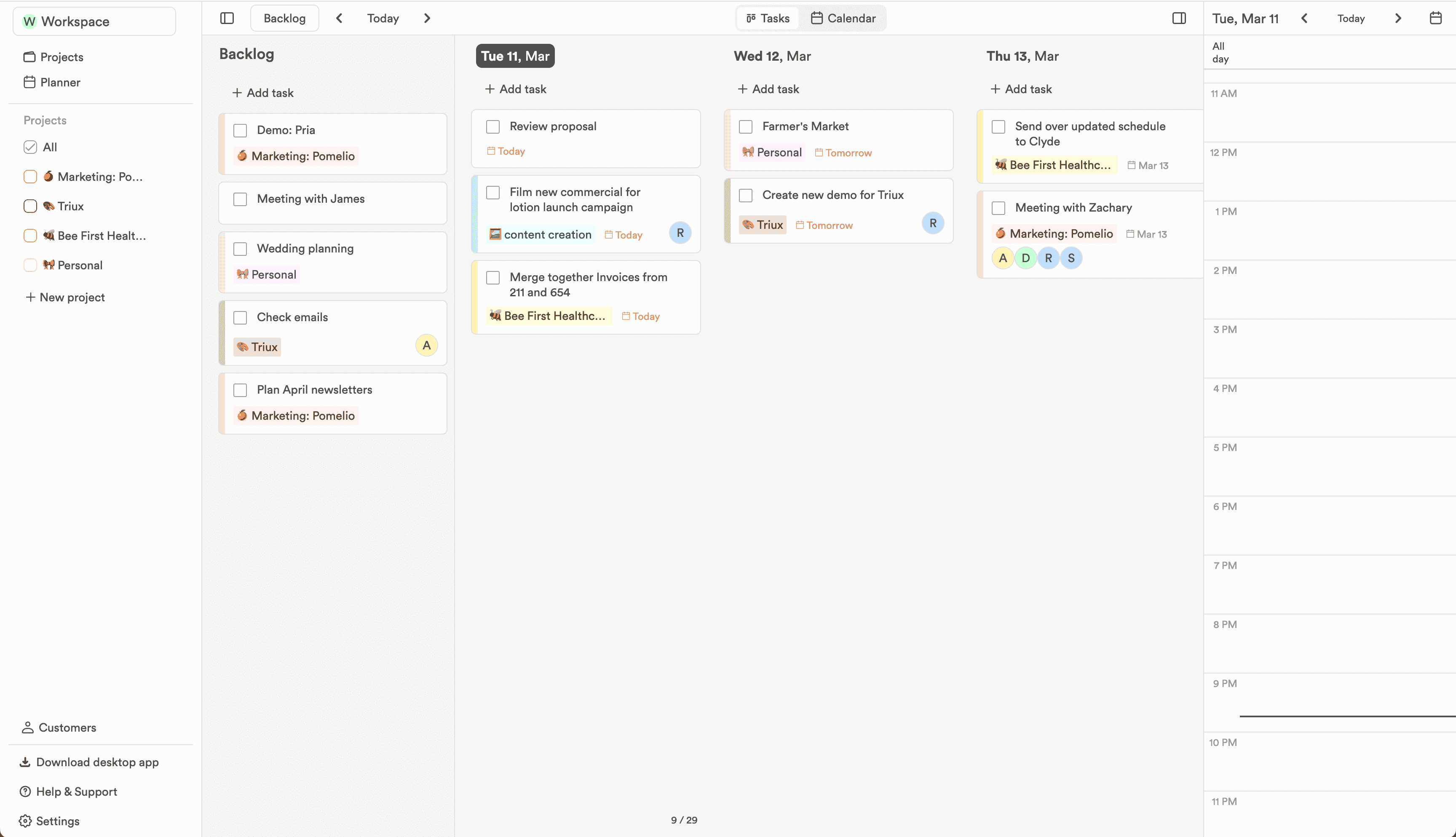
A daily planner with a week in view
Each day gets a column, unscheduled work waits in the backlog, and moving a task is a drag, not a form.
In the workflow
Three ways the week gets easier.
Keep enough structure to know what happens next, without adding a process that needs its own manager.
- 01
Days as columns, not a list
Seven days sit side by side, so committing to a day means seeing what already lives there. Scroll to any date, jump back to today, and watch each column count down as work completes.
- 02
The backlog holds what the week cannot
Not everything has a date yet. Park it in the backlog and pull it into a day when the time appears. Overdue tasks offer to sweep themselves there each morning.
- 03
Your calendar sits beside your plan
The day's meetings show in the sidebar next to the day's tasks, so a full afternoon is visible before you overcommit it.