Time blocking without the spreadsheet
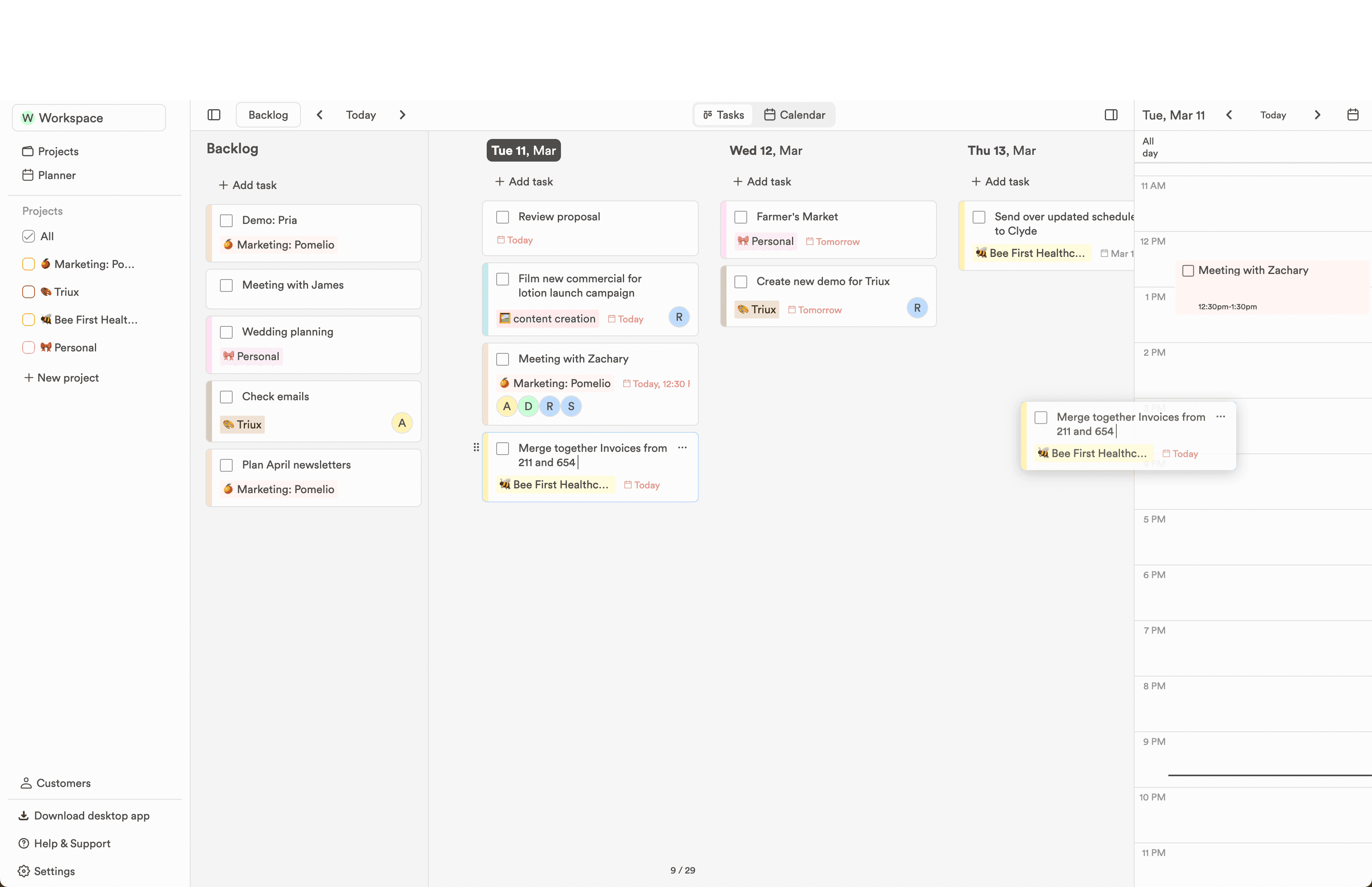
Give a task a start time and a duration and it becomes a block on your calendar, next to the meetings it has to fit between.
In the workflow
Three ways the week gets easier.
Keep enough structure to know what happens next, without adding a process that needs its own manager.
- 01
Duration is one click
Presets from five minutes to eight hours set how long a task takes. The end time follows the start, so a block is two choices, not four fields.
- 02
Blocks live with your meetings
Connected calendars show real commitments beside planned work, so deep-work blocks land in hours that are actually free.
- 03
Plans survive being wrong
When the day shifts, drag the block. Timed tasks keep their time across day changes, and anything unfinished can sweep to the backlog tomorrow.