The Invisible Admin Work That’s Slowing You Down (And How to Automate It)
At a glance
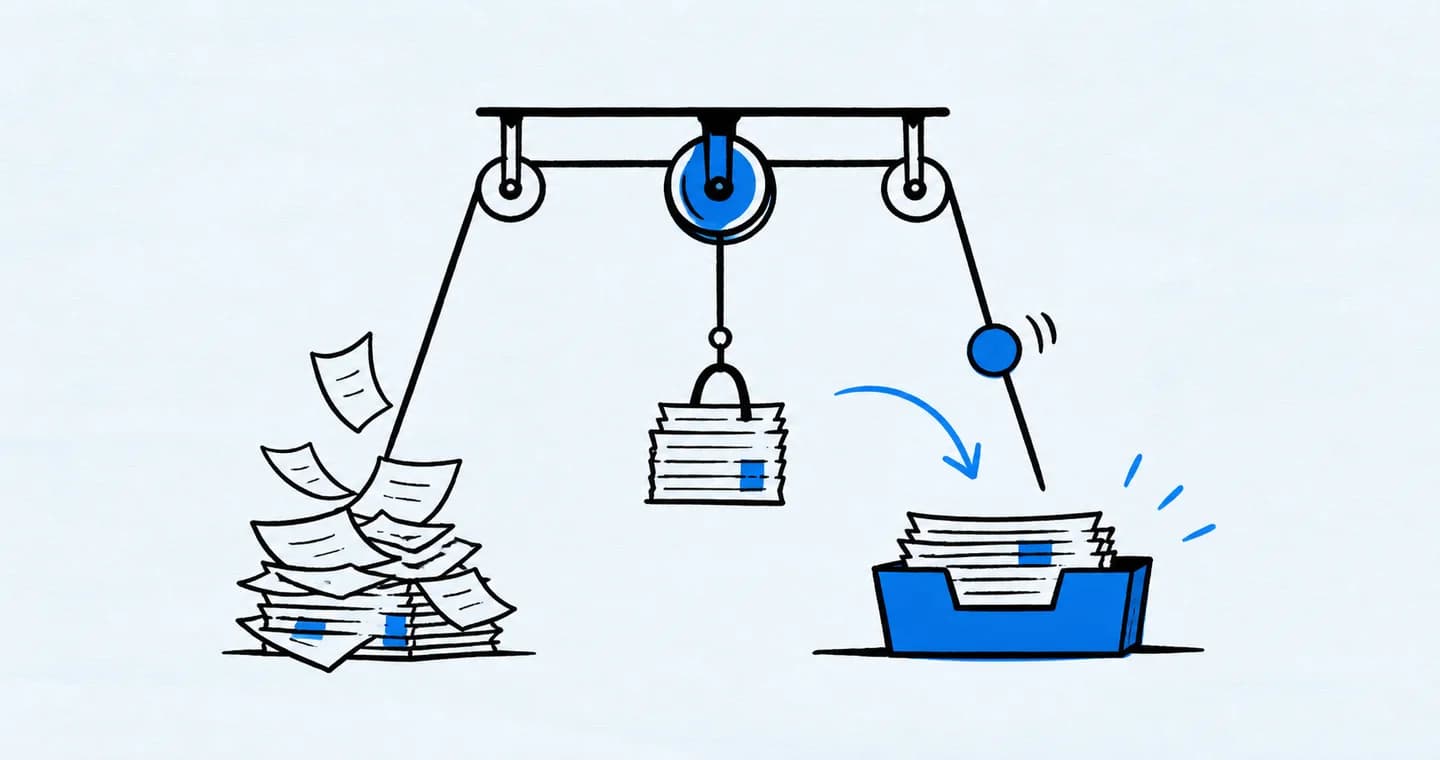
Identify recurring administrative tasks before automating them. Standardize the steps first, then automate predictable reminders or handoffs while keeping judgment and client-sensitive decisions under review.
1. You’re Not Lazy—You’re Just Drowning in Admin
If you’ve ever reached the end of a long day wondering, “Why am I so exhausted when I barely made progress on real work?”—you’re not alone. You probably spent more time than you realize answering emails, resending links, tracking down invoices, updating timelines, or manually moving client notes between tools.
This kind of “invisible” admin work doesn’t feel urgent in the moment. But it adds up fast. And for freelancers wearing every hat in the business, these small tasks often become the hidden engine behind burnout.
You’re not unproductive—you’re just being pulled in ten quiet directions all day long. The solution isn’t to hustle harder. It’s to offload the work that doesn’t need your brain.
2. What Counts as “Invisible” Admin Work?
Invisible admin work is all the behind-the-scenes effort you put in just to keep your business running. You don’t bill for it. Your clients don’t see it. But it eats into your time and energy like nothing else.
It’s things like drafting repetitive emails (“Thanks for your inquiry—here’s what happens next”), switching between three apps to find a file, updating a client’s name in two places, or manually copying task deadlines into a calendar. It’s those “two-minute” tasks that somehow take half your day.
And the worst part? Because they feel small, you don’t always give yourself credit for doing them—or permission to delegate them. So they quietly pile up and keep you stuck in reactive mode.
3. The Real Cost of Doing Everything Manually
When you’re managing every step by hand, your business starts to feel heavier than it needs to. You spend your best focus hours on logistical ping-pong instead of creative, high-value work. You forget to send follow-ups. You delay onboarding new clients because you don’t have the mental energy to prep everything. You feel behind, even when you’re technically on schedule.
Manual work also leaves more room for mistakes. A deadline that doesn’t get added. A message that doesn’t get sent. A revision request that falls through the cracks. And when that happens, your business stops feeling like it’s supporting you—and starts feeling like something you have to recover from.
Automation doesn’t mean outsourcing your personality. It means giving yourself the space to show up where it matters most—without getting buried in the rest.
4. The Magic of Low-Lift Automation
Automation doesn’t have to mean complex zaps, flowcharts, or coding skills. Sometimes, it’s as simple as turning a repeatable task into a template, or scheduling an email that sends automatically when a form is filled.
The best automation feels like a friendly assistant tapping you on the shoulder and saying, “Hey, I’ve already got that started for you.”
It could be as basic as pre-written onboarding messages. A calendar that auto-generates your next client check-in. Or a system that tags a project as “ready for review” the moment you finish a task. These small automations don’t erase your involvement—they just clear a path so you’re not constantly tripping over your own systems.
5. What to Automate First (Without Making It Complicated)
Start with the tasks that feel repetitive, low-risk, and slightly annoying. If you find yourself rewriting the same welcome message, sending the same Dropbox link, or forgetting the same follow-up—automate that.
Look at your client journey from inquiry to offboarding. Where do you repeat yourself the most? What do you always mean to send, but forget in the shuffle? Start there.
Even one or two small automations can create momentum. You’ll feel the weight lift almost immediately—and once you see how much time (and headspace) you save, you’ll naturally want to streamline more. The goal isn’t to systemize everything at once. It’s to make your workflow feel lighter, one step at a time.
6. Start with recurring tasks in ProjectBook
Recurring tasks are useful for routine work such as a Friday review or a monthly record check. Set the schedule, add a clear task name, and review the next occurrence in your planner.
A recurring reminder does not send a client email, change project stages, or process an invoice. Use your email or billing tool for those actions, and test its triggers and error handling before relying on it. Start with one low-risk routine and check that it behaves as expected.
7. FAQ: Freelance Automation and Admin Clarity
What’s the difference between a system and automation?
A system is the structure you follow. Automation is when part of that structure happens automatically—saving you time and energy.
Do I need special tech skills to automate tasks?
Many tools offer settings for recurring work. Start with a reminder you can inspect, then test more complex automation in the tool that actually performs the action.
Won’t automation make my client experience feel cold?
Not if it’s done with care. Automation should support your voice—not replace it. A personalized email template still feels human—it just saves you from retyping it 20 times.
How does ProjectBook help automate admin tasks?
ProjectBook can schedule recurring tasks and keep the associated work in your planner. Email sequences, invoice reminders, and automatic status rules need a tool with those capabilities.
Final Word
Admin work isn’t the enemy. But invisible, unmanaged admin work? That’s what drains your focus and keeps you from doing your best, most fulfilling work.
You don’t have to automate everything overnight. But you can take small steps toward a lighter, smarter business—one automated task at a time.
With ProjectBook.co, you can reduce the friction in your freelance workflow and focus on what actually moves the needle. Fewer repetitive tasks. More creative flow. More time for what you started this business to do in the first place.
Because your systems should support your work. Not swallow it.
From ideas to a clearer week