Visual vs. Linear Planning: How to See Your Freelance Projects Clearly

At a glance
Linear lists work well for clear sequences; visual plans help reveal relationships and parallel work. Choose the view that makes your next decision easier, and use both when the project needs them.
1. What’s the Difference Between Visual and Linear Planning?
Let’s say you’re starting a new project. Do you prefer:
- Seeing everything laid out on a board with colors, due dates, and phases?
- Or checking off one task after the next in a neat, numbered list?
That’s the basic difference.
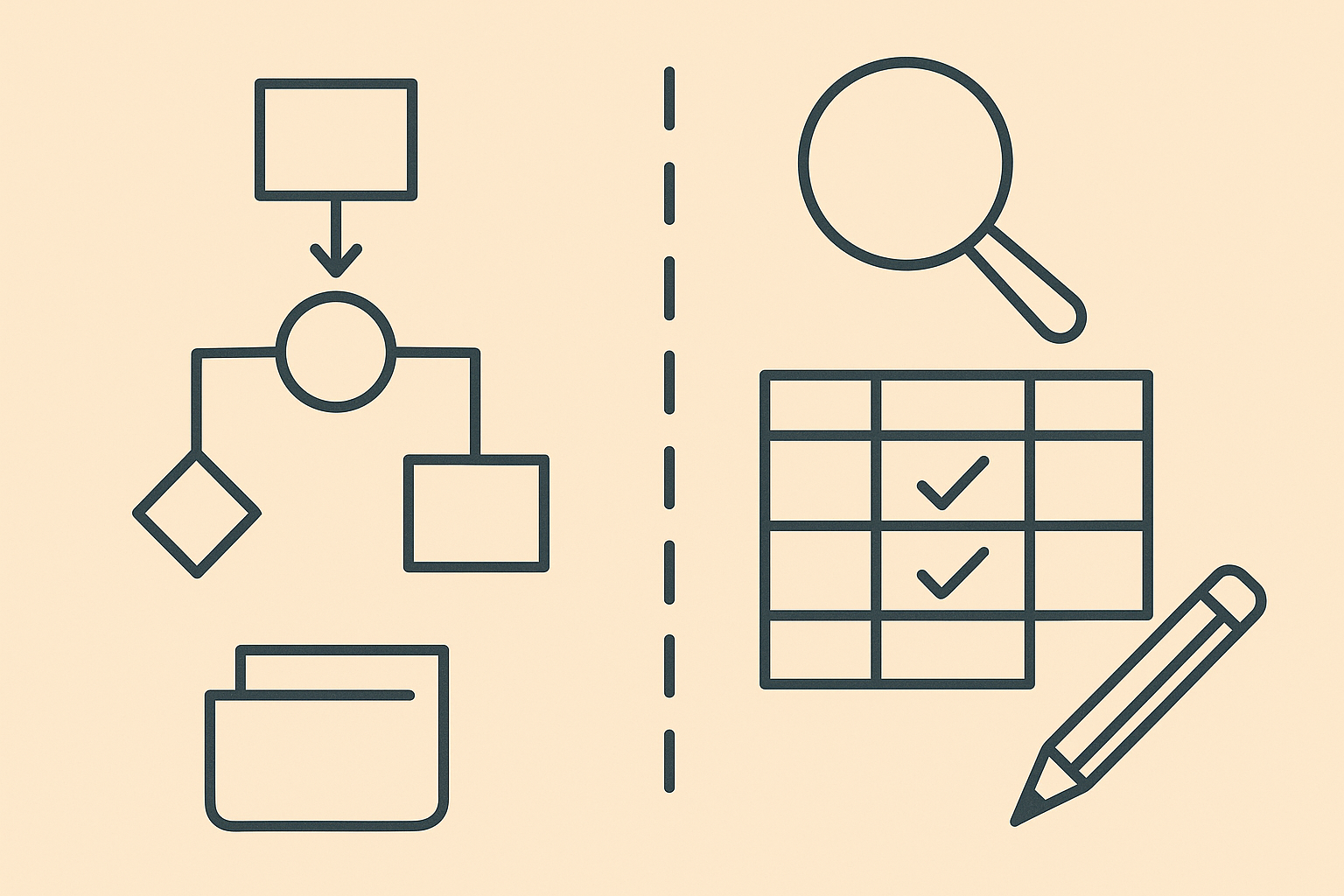
Visual planning shows your project as a whole. It might be a calendar, board, or timeline where you can drag and drop things around.
Linear planning is all about lists. It's sequential—task A, then task B, then task C.
Both are valid. Both can be powerful. But they serve different brain styles—and choosing the right one (or the right mix) can seriously reduce overwhelm and decision fatigue.
2. Why It Matters More Than You Think
Freelancers wear every hat: strategist, creator, project manager, admin, client wrangler. You’re not just doing the work—you’re organizing it, too.
When you choose a planning style that matches how your brain works, a few things happen:
- You procrastinate less because you can see what’s next
- You make better decisions because context is clear
- You spot scope creep or bottlenecks faster
- You actually finish the plan you made
Clarity is a productivity multiplier. And the format matters more than you think.
3. Visual Planning: Seeing the Big Picture
Visual planners are often the people who scribble timelines on whiteboards or rearrange sticky notes until it all “clicks.”
With visual planning, you’re working with:
- Calendars (seeing your work across days or weeks)
- Kanban boards (moving tasks between phases)
- Gantt charts or timeline views (seeing how tasks overlap)
It’s perfect for freelancers who:
- Juggle multiple clients or deadlines
- Need to spot task dependencies
- Think best when they see things spatially
- Like to adjust on the fly
You’re not just making a list—you’re mapping a flow. And that helps you course-correct early instead of reacting late.
4. Linear Planning: Step-by-Step Focus
Linear planning is your classic task list. It’s clean. It’s ordered. It’s deeply satisfying for people who love clarity and control.
With linear planning, you’re working with:
- To-do lists
- Checklists
- Numbered workflows or SOPs
- Sequential task breakdowns
It’s ideal for freelancers who:
- Prefer routines or repeatable project templates
- Don’t want to think about the whole project all at once
- Like checking things off in a specific order
- Work on smaller or faster turnaround projects
If visual planning is about flow, linear planning is about focus. It helps you work with blinders on—one task at a time, no distractions.
5. Which Planning Style Is Best for Freelancers?
The short answer: whichever one helps you feel less overwhelmed and more in control.
The longer answer: Most freelancers benefit from a mix.
- Use visual tools to map the whole project, especially during kickoff or client onboarding.
- Use linear tools to execute your day-to-day work without spiraling into big-picture stress.
Some people are naturally one or the other. Some projects need more visibility, others just need a clear checklist. The real magic is in recognizing when to switch gears.
6. How to Blend Both for the Ultimate Workflow
The best workflows usually combine visual and linear elements. Here's how to do that without overcomplicating things:
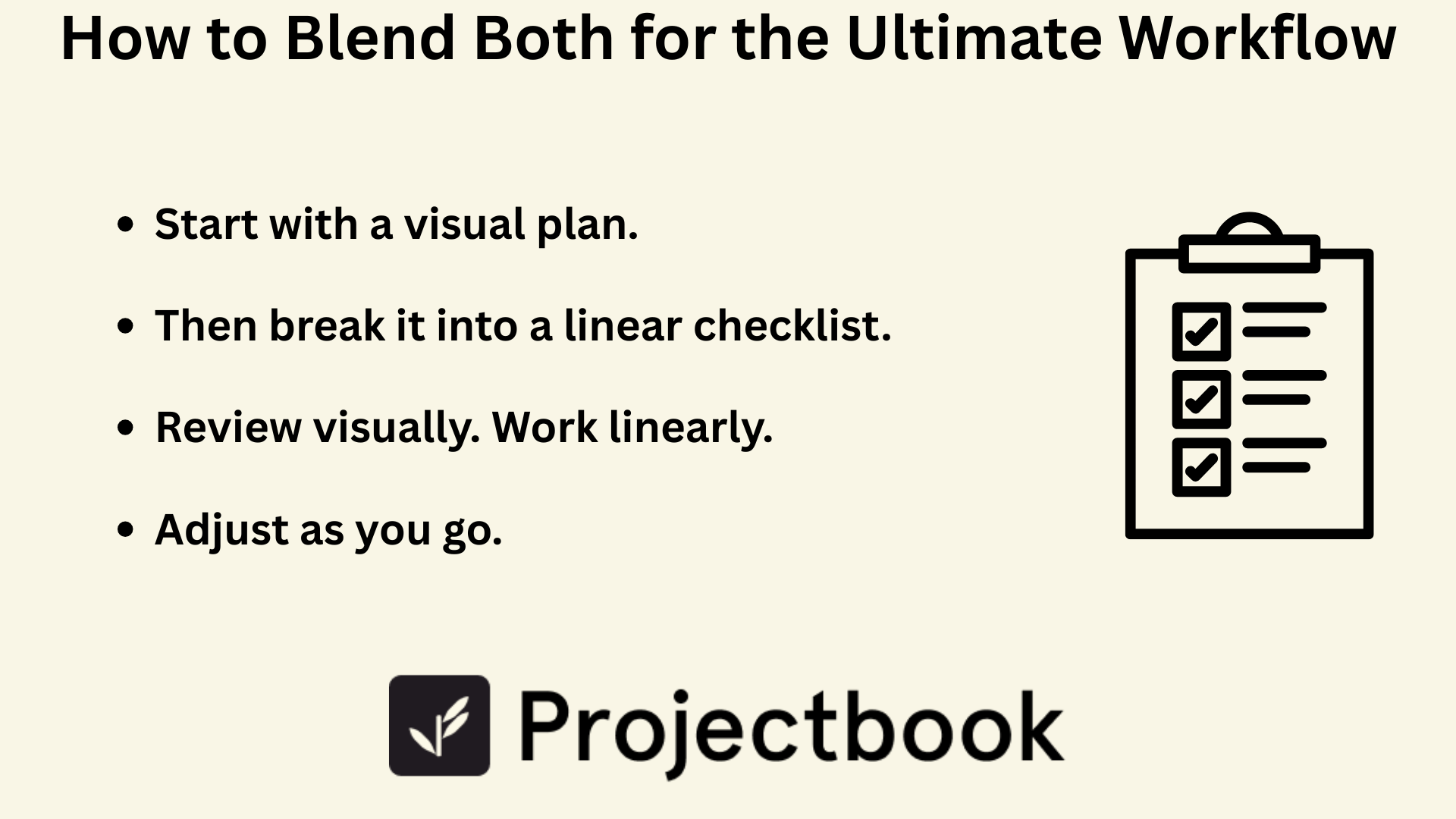
Start with a visual plan.
Map your project on a timeline or board view. Define your milestones. Spot dependencies. Set deadlines.
Then break it into a linear checklist.
Turn each phase into a task list. Assign dates, estimate hours, add notes.
Review visually. Work linearly.
Use your visual dashboard to monitor progress, but execute using your step-by-step list.
Adjust as you go.
When a deadline shifts, go back to the visual. Rearrange. Then return to your checklist to stay in motion.
7. Try It with ProjectBook.co
ProjectBook was built to match your thinking—not force you into someone else’s workflow.
That’s why you can toggle between:
- Timeline view (visual planning)
- Task list view (linear planning)
- Client dashboard (to keep context front and center)
Whether you’re planning a brand launch, managing a copywriting retainer, or juggling three design clients, ProjectBook gives you the flexibility to organize things the way you need them.
Use boards when you want the big picture. Use lists when you’re in deep work mode. Everything’s connected—so you’re never out of sync.
8. FAQ: Planning Styles for Freelance Projects
Q: What if I start visual and then get overwhelmed?
Switch to a task list! That’s the beauty of a flexible tool. Use visual planning to orient yourself, then zoom into the next few steps with a linear list.
Q: Should I use different styles for different types of clients?
Totally fine. Some clients want visibility (visual). Some just want updates and deliverables (linear). Adapt your view depending on how collaborative the project is.
Q: Can I automate both views in ProjectBook.co?
Yes—create a visual plan once, then use it to auto-generate checklists, reminders, and workflows. You can also duplicate your structure for repeat projects.
Final Word
Whether you think in flowcharts or to-do lists, the best freelance planning style is the one that gives you peace of mind—and makes it easier to do great work.
Visual or linear isn’t a debate. It’s a toolbox. The more fluently you can move between both, the more control you have over your time, your energy, and your outcomes.
Start blending your styles today with ProjectBook.co—and finally see your work clearly, start to finish.
From ideas to a clearer week