How to Use Tags, Labels, and Statuses to Simplify Your Project List
At a glance
Give tags, labels and statuses distinct purposes: topic or client, useful grouping and stage of progress. Keep the vocabulary small enough that you can apply it consistently.
1. Why Your Project List Feels Overwhelming
If you’ve ever opened your task list and felt instantly stressed—not because the work is too hard, but because everything looks the same—you’re not alone.
Most freelancers juggle multiple clients, projects, and micro-tasks. And when your task list is just a flat wall of to-dos, it’s hard to see what’s important, what’s urgent, or what’s even started.
That’s where organizational layers—like tags, labels, and statuses—make a huge difference. They help you see your work in a more meaningful way.

2. Tags, Labels, and Statuses—What’s the Difference?
These terms are sometimes used interchangeably, but they each serve a different purpose in organizing your work:
- Tags help you group similar types of tasks (e.g., “Client,” “Admin,” “Urgent”)
- Labels can describe the category or purpose of the task (e.g., “Blog Post,” “Design,” “Proposal”)
- Statuses reflect the stage of progress (e.g., “Not Started,” “In Progress,” “Waiting,” “Complete”)
Think of it this way:
Labels = What is this?
Tags = How should I think about it?
Status = Where is it in the process?
When used together, these help turn a cluttered to-do list into a clean, readable dashboard of your business.
3. The Real Power of Visual Sorting (Especially for Freelancers)
You probably already group tasks in your head—client A’s work, admin stuff, that one lingering revision. But your brain shouldn’t have to hold all those categories at once.
Using labels and tags makes that mental map visible. It lets you see the big picture at a glance, which:
- Reduces decision fatigue
- Helps you batch similar tasks
- Clarifies priorities
- Shows you what’s blocked and what’s ready to roll
And when you can visually scan your tasks and say, “Okay, these are all writing tasks, and these are all admin items I can knock out in 30 minutes,” your work becomes easier to start—which is often the hardest part.
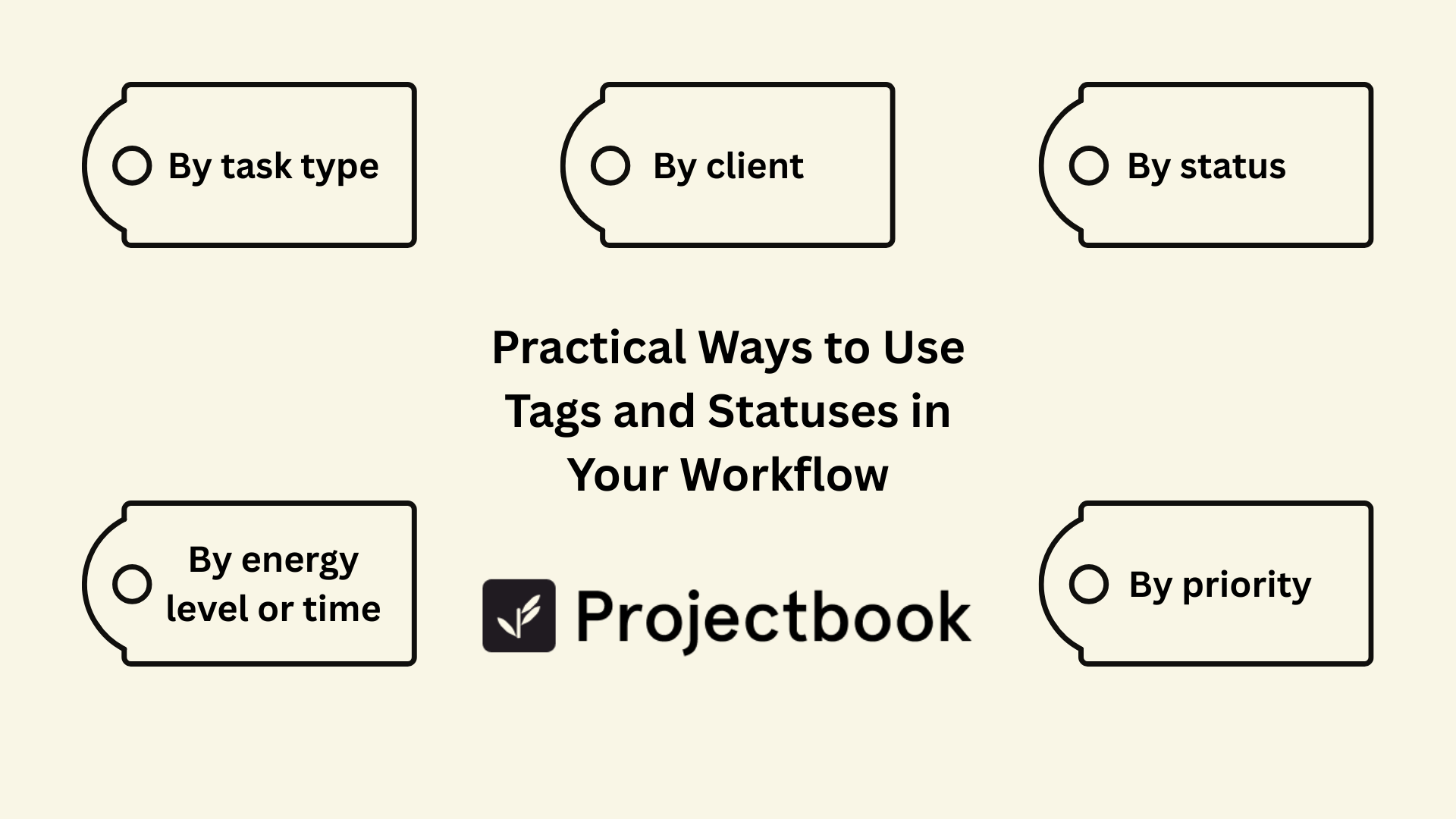
4. Practical Ways to Use Tags and Statuses in Your Workflow
Here are a few ways freelancers use these tools effectively:
By task type
Label tasks as “Design,” “Writing,” “Development,” or “Editing.” This helps you batch similar mental work.
By energy level or time
Use tags like “Quick Win,” “Deep Work,” or “Low Focus” so you can match tasks to your energy in the moment.
By client
Assign each task a tag like “Client A” or “Client B” to keep multi-client projects organized.
By status
Update statuses like “In Progress,” “Waiting for Client,” or “Needs Review” so you don’t forget what’s waiting on what.
By priority
Use tags such as “Urgent,” “This Week,” or “Optional” to triage your list in seconds.
These don’t need to be complicated. Choose a few that match the way you naturally think about your work.
5. How to Avoid Over-Labeling and Keep It Simple
The biggest mistake freelancers make? Trying to tag and label everything in too much detail.
If you’re spending more time choosing tags than doing the task, it’s time to simplify.
Here’s a healthy rule of thumb:
- Use 1–2 labels for what the task is
- Add 1–2 tags to describe how/when to approach it
- Keep your status list short and consistent
The goal is to reduce mental load—not create a tagging system so complex that it needs its own manual.
6. How ProjectBook.co Helps You Organize Without Overthinking
At ProjectBook, we designed task organization to be freelancer-friendly. That means no confusing dropdowns, no complicated setup—just clean, flexible ways to sort your work.
With ProjectBook, you can:
- Add custom tags to any task
- Filter your task list by status, label, or client
- View all tasks on one board, or filter by active project
- Create saved views for “Today,” “Blocked,” or “Quick Wins”
- Use templates where your tags and statuses are already built in
This makes it easy to manage multiple projects and clients—without letting anything fall through the cracks.
7. FAQ: Using Tags and Statuses in Freelance Project Management
How many tags or labels should I use?
Stick to 5–10 core tags or labels. Too many options = decision fatigue.
Do I need both tags and statuses?
Yes, they serve different purposes. Tags describe the context; statuses describe progress.
How often should I update statuses?
Ideally as soon as something changes—especially if a task is now “Waiting on Client” or “Ready to Deliver.”
Can ProjectBook automate any of this?
You can create reusable templates where your tags, labels, and default statuses are already applied—so setup is done in seconds.
Final Word
Your project list should help you feel clear, not cluttered.
When you use smart tags, helpful labels, and clear statuses, you stop staring at a giant wall of tasks—and start seeing what needs your attention now.
This isn’t about color-coding everything to perfection. It’s about creating a workflow that supports how you think, how you work, and how you manage your energy.
With ProjectBook.co, organizing your projects doesn’t feel like extra work—it feels like clarity.
From ideas to a clearer week